0
$0.00
0 items

Toncoin's growth story is unlike any other Layer-1 asset. Where most blockchains fight for developer mindshare and wallet installs, TON arrived pre-distributed to a billion-plus Telegram users. The result has been extraordinary adoption speed: as of February 2026, TonStat shows 50.8 million+ on-chain activated wallets and around 1.49 million monthly active on-chain wallets. Stingrai
But adoption speed and security are not the same thing. The majority of those 50 million wallets exist inside Telegram's custodial wallet infrastructure or mobile software wallets. Most of those users still rely on Telegram's built-in custodial wallet bot or a centralized exchange, which have inherent risks. If you are one of these users, you should consider switching to a self-custody wallet as soon as possible. MetaMask
For holders with significant TON positions, and at a price that has made even modest early holdings substantial, the convenience of Telegram custody is not worth the counterparty risk it introduces. This guide covers what serious TON holders need to know: the unique technical characteristics of the TON blockchain, every storage option ranked by security, and a complete process for moving TON into genuine cold storage on hardware.
The Open Network is architecturally unusual among major blockchains, and those differences have direct implications for wallet compatibility and storage practices
Actor-based smart contract model The Open Network operates on a proof-of-stake consensus mechanism with a unique multi-blockchain structure. The network consists of a masterchain coordinating multiple workchains, each capable of processing transactions independently. This sharding approach enables horizontal scalability while maintaining security through validator nodes. CoinLaw
Unlike Ethereum's account model or Bitcoin's UTXO model, every TON wallet address is itself a smart contract. This means:
TON address formats: raw, user-friendly, and the bounceable distinction TON has two address encoding formats that behave differently and cause confusion for new users:
When withdrawing TON from an exchange to your personal wallet, always use the non-bounceable (U...) address format. Most wallets display both formats: choose the non-bounceable one for receiving from exchanges. Sending to a bounceable address for a wallet that doesn't handle the bounce correctly can result in temporary or permanent loss.
ED25519 signing TON wallets use ED25519 signatures; the same curve Solana uses. A hardware wallet must implement ED25519 support to sign TON transactions natively.
Jetton tokens (TON's token standard) Jettons are TON's equivalent of ERC-20 tokens. Each Jetton wallet is a separate smart contract associated with your main TON address. Holding Jettons requires your TON wallet to have a small TON balance for transaction fees when sending Jetton transfers. Running a TON address dry of TON while holding Jettons makes those Jettons temporarily unspendable until you top up the TON balance.
Telegram's built-in wallet is split into two experiences:
Custodial Crypto Wallet: The default Telegram wallet is custodial; Telegram (via its partner infrastructure) holds your private keys. You interact with a balance displayed in Telegram, not a self-custody wallet. The same risks apply as any exchange: platform risk, regulatory risk, withdrawal restrictions, and the fundamental reality that you do not hold the keys.
TON Wallet (formerly TON Space), Self-Custodial: TON Wallet in Telegram is the self-custodial option where you control the seed phrase. This is better than the custodial option; you hold your keys. But those keys exist in a mobile app on an internet-connected phone, protected by a seed phrase backup that faces all the physical and digital vulnerabilities covered in depth in our seed phrase risks guide. Stingrai
The specific Telegram risk for TON holders: Telegram accounts can be compromised through SIM swap attacks (which defeat SMS-based 2FA), phishing of Telegram credentials, and session hijacking. A compromised Telegram account gives an attacker access to whatever wallet experience is connected to it. Even for the self-custodial TON Wallet, Telegram account compromise is a social engineering vector that mobile-only holders face and hardware wallet users do not.
Tier 1: Telegram Custodial Wallet / Exchange (Highest Risk) Telegram's custodial wallet, Binance, OKX, Bybit. Convenient. Not your keys. Exchange and platform risk applies fully. Adequate only for amounts you're actively trading.
Tier 2: Tonkeeper / MyTonWallet (Hot Wallet, Moderate Risk) Tonkeeper is the strongest all-round choice and the safest place to start for many users in the software wallet category. Full self-custody, strong development team, native Jetton support, TON Connect 2.x for dApp interaction. Seed phrase backup required. Appropriate for active TON ecosystem participation with amounts you're comfortable holding on a mobile device. CoinLaw
Tier 3: Hardware Wallet with Seed Phrase (Good) For long-term storage, a hardware-based setup such as Ledger makes more sense. Ledger supports TON via the TON app. Offline key storage. Seed phrase backup remains a physical liability. CoinLaw
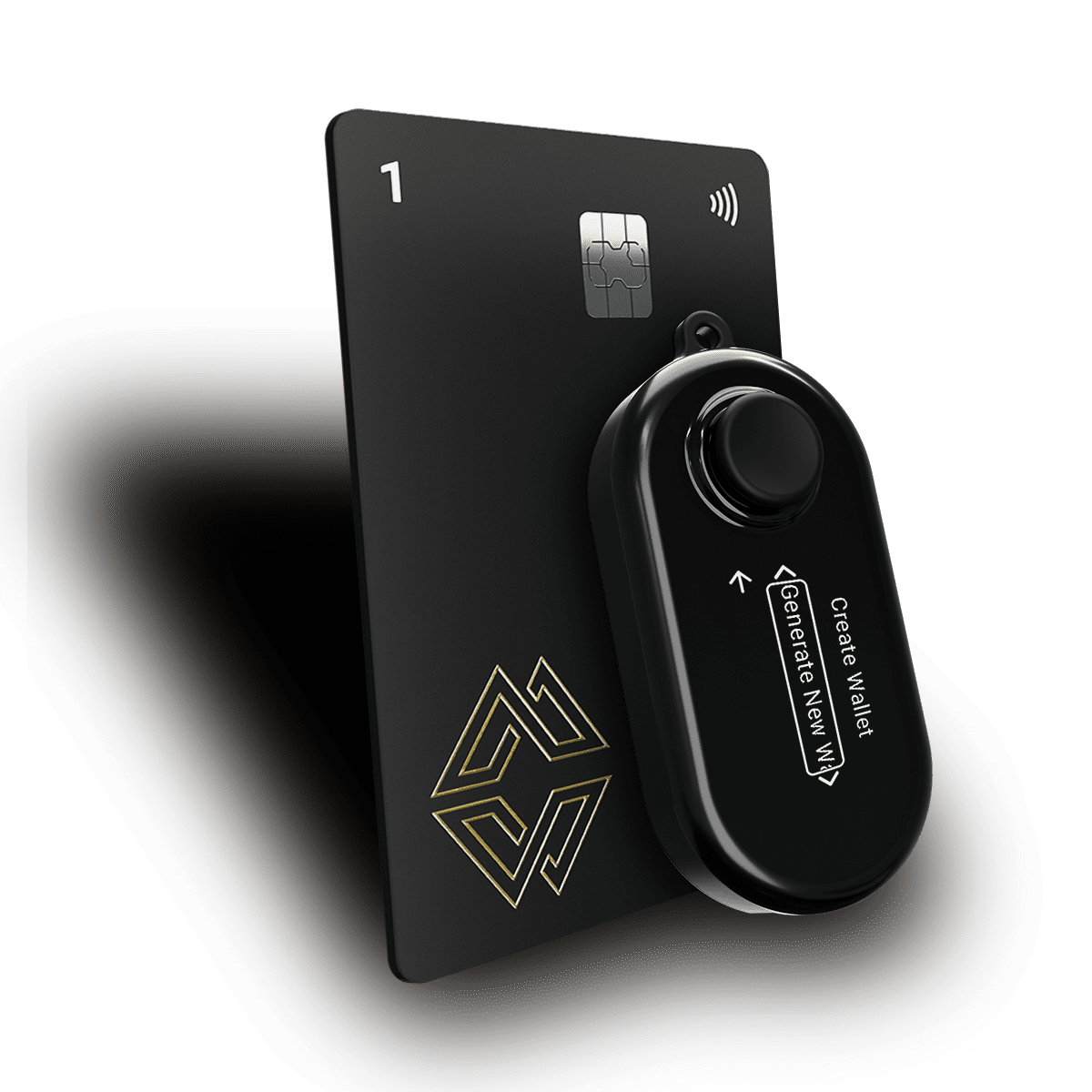
Tier 4: Hardware Wallet Without Seed Phrase Vulnerability (Best) Cypherock X1, with native TON support and ED25519 signing, and the private key distributed across 5 hardware components via Shamir's Secret Sharing. No seed phrase is generated or required at any point. No single point of failure. The highest available security tier for TON cold storage.
Yes. Cypherock X1 supports Toncoin (TON) on The Open Network with native ED25519 key generation and transaction signing. Your TON address on Cypherock X1 is a genuine TONV4 wallet address, not a compatibility layer or wrapped asset.
This means your TON private key is generated on the Cypherock hardware, immediately split via SSS across your 5 components, and never exists as a complete key on any single device at any point after generation. No seed phrase is displayed or required.
Check current TON and Jetton token support at cypherock.com/coin-support.
Step 1: Set Up Your Cypherock X1 Unbox your X1 Vault and 4 X1 Cards. Connect the Vault to the cySync desktop app via USB-C. Follow the wallet creation flow. Your private key shares are generated on the hardware and distributed across all 5 components. No seed phrase is shown. No words to write down.
Step 2: Add a TON Account in cySync In cySync, select "Add Account" and choose TON (The Open Network). cySync generates your TON wallet address, a base64url-encoded string. Note both the bounceable and non-bounceable formats; you will use the non-bounceable format for receiving from exchanges.
Step 3: Verify Your Address on the X1 Vault Screen Before sending any TON to this address, use the address verification function in cySync. The X1 Vault displays your TON address on its physical screen, independently of your computer. Confirm it matches exactly. This rules out clipboard substitution or display manipulation by malware.
Step 4: Choose the Correct Address Format When withdrawing from an exchange or sending from Tonkeeper:
Step 5: Send a Test Transaction Send 0.5 to 1 TON as a test transaction first. TON transactions finalise in approximately 5 seconds under normal conditions. Confirm receipt in cySync before sending your full balance.
Step 6: Transfer Your Full TON Holdings After the test confirms, transfer your full balance. Keep a small reserve (0.5 to 1 TON) in a hot wallet if you actively use TON for dApp interactions or Jetton transfers; transaction fees are denominated in TON and your cold wallet address should not be directly connected to dApp interfaces.
Step 7: Transfer Jetton Tokens If you hold Jetton tokens (USDT on TON, NOT, SCALE, and others), send them to the same TON address on your Cypherock X1. Each Jetton creates a separate wallet contract associated with your address. Ensure your cold storage TON address maintains at least 0.1 to 0.2 TON to cover potential Jetton transfer fees.
Step 8: Distribute Your X1 Cards Store your 4 X1 Cards in geographically separate locations. Given TON's Telegram-native user base and the social engineering risks prevalent in that ecosystem, physical security of your key components is particularly important.
This is the most technically specific mistake TON holders make, and it deserves its own focused explanation.
The problem in practice: Many TON wallet apps display the bounceable address by default. Exchanges sometimes accept deposits only at specific address formats. And many users copy the wrong format for the wrong context, resulting in:
| Context | Format |
| Receiving from a centralised exchange | Non-bounceable (U...) |
| Receiving from another personal wallet | Either format works once wallet is deployed |
| Receiving from a smart contract / dApp | Bounceable (E...) — use with caution |
| Sharing your address publicly for donations | Non-bounceable (U...) |
| Sending to an exchange (deposit) | Whichever format the exchange specifies |
How to identify the formats: In cySync and most wallet apps, your TON address is displayed with a format toggle. The non-bounceable version begins with U in base64url encoding. When in doubt, choose non-bounceable for personal wallet receiving addresses.
TON's ecosystem, including staking, Jetton DeFi, NFTs, TON DNS, and TON Payments, is expanding rapidly. Here is how to participate without exposing your cold storage address.
Staking TON (Nominators and Liquid Staking): TON staking involves either:
For cold storage holders, the cleanest approach mirrors what we recommend for other PoS chains: keep the bulk of your TON in cold storage on Cypherock X1, transfer what you want to stake to a dedicated warm wallet account (a second Cypherock X1 account), stake from the warm wallet, and hold any liquid staking tokens there.
The optimal approach for most users involves hybrid strategies; cold storage for the majority, a warm wallet for staking and DeFi. CoinLaw
Jetton DeFi (STON.fi, DeDust): TON's DEXs and AMMs operate on Jetton token swaps. All DEX interactions should happen from a warm wallet, not your cold storage address. Your cold storage address holds TON and any Jetton positions you want to preserve long-term. Active DeFi happens on a separate address.
TON DNS: TON DNS allows human-readable names (e.g., yourname.ton) mapped to your wallet address. Registering a TON DNS name is an on-chain operation. If you want a DNS name for your cold storage address, you can register it from your cold wallet via cySync, but most users prefer to register DNS names on hot/warm wallets and use the cold address pseudonymously.
TON's deep integration with Telegram creates a specific social engineering vector that is less relevant for other blockchain ecosystems: Telegram-native phishing.
TON holders who use Telegram are routinely targeted by:
The key principle: no legitimate TON wallet, exchange, or protocol will ever ask for your seed phrase through Telegram, or ask you to connect your wallet to a link sent in a DM.
For Cypherock X1 TON users: no seed phrase exists in Cypherock's architecture, which removes the most common Telegram-native attack payload. An attacker asking a Cypherock user to "verify your 24-word seed phrase" gets nothing, because there are no 24 words to give.
USDT issued on The Open Network is a Jetton token. Check cypherock.com/coin-support for current Jetton support in cySync. Since TON is natively supported, the underlying wallet infrastructure is in place; specific Jetton display and management depends on current cySync implementation.
For self-custody wallet users (Tonkeeper, Cypherock X1), no - your private keys are not held by Telegram and your access to the TON blockchain is independent of Telegram's operational status. TON nodes are distributed globally and accessible without Telegram. For custodial Telegram wallet users, platform shutdown or blocking would restrict access.
Check docs.cypherock.com for the current TON wallet version generated by cySync. TON has multiple wallet versions (v3R2, v4R2, W5) with different feature sets. The address you use for cold storage should remain consistent; do not switch wallet versions mid-use without understanding the implications for your address.
Yes. Sending TON from Telegram's custodial or self-custodial wallet to your Cypherock X1 TON address is a standard TON transaction. Use your non-bounceable Cypherock address as the destination. Confirm the address on the X1 Vault screen before making any large transfer.
Direct staking interaction within cySync varies by implementation. You can sign staking-related transactions on Cypherock X1 by connecting to TON ecosystem staking interfaces via their web apps and using your hardware wallet as the signing device. Check docs.cypherock.com for current staking workflow guidance.
Your TON is on-chain; it remains at your TON address regardless of hardware status. As long as you retain 2 of your 5 components and remember your PIN, full access is recoverable through the cySync recovery flow. The Vault alone holds only 1-of-5 key shares, which is insufficient for access.
TON's growth trajectory is extraordinary. Fifty million activated wallets built on Telegram's distribution are a foundation no other blockchain could replicate. But distribution and custody security are different things, and the vast majority of that distribution happened through custodial infrastructure, mobile apps, and seed phrase wallets that were never designed to protect the asset values those early holders now hold.
Moving significant TON holdings to cold storage is not a niche consideration for technical users. It is the responsible baseline for any holder whose TON position represents meaningful value, and the right time to do it is before something goes wrong, not after.
Cypherock X1 provides native TON support, distributed key storage across 5 hardware components, no seed phrase liability, and a clean path to participating in the TON ecosystem without exposing your cold storage address to dApp and Telegram-native attack surfaces.
Explore Cypherock X1, check Toncoin and Jetton support, or learn about Cypherock Cover for TON inheritance planning.
Related reading: