0
$0.00
0 items

Edge Wallet remains one of the most beginner-friendly self-custody wallets available. Its account-based login, clean mobile UI, and broad token support make it easy to recommend for newcomers to crypto. But a disclosed security incident in 2023, a growing list of software wallet exploits in 2024–2026, and the fundamental risks of hot wallet storage raise a real question: how much crypto is too much to trust with Edge?
This review covers everything that matters about Edge Wallet in 2026 — what's changed, what the risks actually are, and when you should consider a cold storage alternative.
Edge Wallet came from the experienced Airbitz team, who built a trusted Bitcoin wallet back in 2014. Their goal was to simplify cryptocurrency for everyone, and Edge follows that mission closely, it's easy to set up, quick to recover, and works on iOS, Android, and Apple Silicon Macs.
Its defining design choice is the account-based login model. Instead of generating a 12- or 24-word seed phrase, you create a username and password. Your private keys are encrypted client-side and never leave your device in readable form. Edge operates a zero-knowledge architecture which means their servers cannot access your funds. HD wallets with rotating addresses and a decentralized server structure (so the wallet functions even if Edge's own infrastructure goes down) round out a genuinely thoughtful technical design.
The latest version, 4.43.0 (released February 2026), added Nym Mixnet privacy settings, giving users an additional layer of network-level anonymity when transacting.
Edge supports 130+ tokens, a significant expansion from earlier versions. Supported networks include Bitcoin, Ethereum, Solana, BNB Chain, Avalanche, Tron, Optimism, Polygon, Base, TON, and more. All ERC-20 tokens are supported natively through your Ethereum address.
Edge also officially supports Monero (XMR), with an endorsement from the Monero team, a rare distinction that makes it a strong mobile option for privacy-focused users.
For a look at how self-custody works across different token types, see our guide on how to self-custody CC tokens.
Ease of Use Edge Wallet makes managing crypto accessible to anyone. Setup takes minutes, there's no seed phrase to write down, and recovering your wallet on a new device is as simple as logging in. For mainstream adoption, this model genuinely matters.
User Interface The wallet has a clean, focused interface built around four main screens: Wallets, Request, Scan, and Exchange. You can check balances, request payments, scan QR codes, and swap crypto without navigating through cluttered menus. It's well-suited for beginners and experienced users who prioritize simplicity.
Built-In Exchange Edge integrates 19 exchange providers including THORChain and ChangeNOW, allowing in-app swaps without moving funds to a centralized exchange. Rates and fees are shown clearly before you confirm any trade.
WalletConnect & dApp Access WalletConnect integration lets you interact with decentralized applications directly from Edge, expanding its utility well beyond send/receive.
Fiat On/Off-Ramps Users can buy and sell crypto with fiat currency directly in-app, reducing the need to use a centralized exchange for routine activity.
Biometric Login & Duress Mode TouchID and FaceID are supported for quick access. A notable security feature is Duress Mode, a secondary PIN that opens a decoy account with a separate balance, designed to protect users under coercion.
Multi-Device Sync & Nym Mixnet Wallets sync across devices through Edge's encrypted architecture. The February 2026 update added Nym Mixnet support, obfuscating transaction metadata at the network level for users who enable it.
Client-side encryption with zero-knowledge architecture means Edge cannot access your keys — non-negotiable for self-custody, and Edge delivers it. The code is open-source on GitHub, allowing independent verification. The decentralized server model ensures the wallet isn't dependent on Edge's uptime. These are genuine strengths, and for a hot wallet, Edge's architecture is among the best in class.
In 2023, Edge publicly disclosed a security vulnerability that exposed private keys for hundreds of users, resulting in direct fund losses. The flaw was patched within hours of discovery, and Edge's transparency in disclosing it is worth acknowledging. But the incident itself is significant: it demonstrated that even a well-architected hot wallet can have a code-level vulnerability that leads to real losses.
No software system is immune to bugs. The question is what happens when one is found and more importantly, what you've done to limit your exposure before it happens.
Edge is always connected to the internet. Private keys exist on your phone. There is no hardware security element, no offline signing capability. This is an intrinsic limitation of the hot wallet category, and in 2025–2026, that limitation has been expensive in practice:
None of these are Edge-specific. They illustrate that internet-connected signing environments carry systemic risk regardless of how carefully any individual wallet is built.
Edge is not designed for large holdings, and their own UX reflects this — the account-based recovery model and mobile-first design optimize for accessibility and convenience. For daily transactions and amounts you'd treat like a checking account balance, this is a reasonable tradeoff. For crypto you couldn't afford to lose, it's a meaningful risk.
If you use Edge Wallet, create a strong, unique password and enable Two-Factor Authentication (2FA). Use biometric login and set recovery questions that no one can reasonably guess. Duress Mode is worth enabling if you travel or hold any meaningful amount.
For larger holdings, these measures aren't enough on their own because the underlying risk isn't your password strength, it's that your keys exist on an internet-connected device at all.
The Edge app is free to download on Android and iOS. Network fees apply when sending crypto and vary with congestion. For in-app swaps, Edge charges a 1% transaction fee, with third-party swap providers adding a 4–6% markup on top where total swap costs can reach 5–7% depending on the provider. All fees are displayed before confirmation, so there are no hidden surprises, but the cost adds up for active traders.
Edge Wallet performs smoothly on both Android and iOS. Users rate it highly for being intuitive, responsive, and easy to understand. Navigating the app is straightforward, with clear buttons and instructions. Even if you've never used crypto before, you’ll feel comfortable quickly.
Here’s how easy it is to start using Edge Wallet:
Edge Wallet offers support via email and detailed FAQs on their website. While the support team responds to emails, there’s no live 24/7 customer support. This means urgent issues might take longer to solve, especially on weekends or holidays.
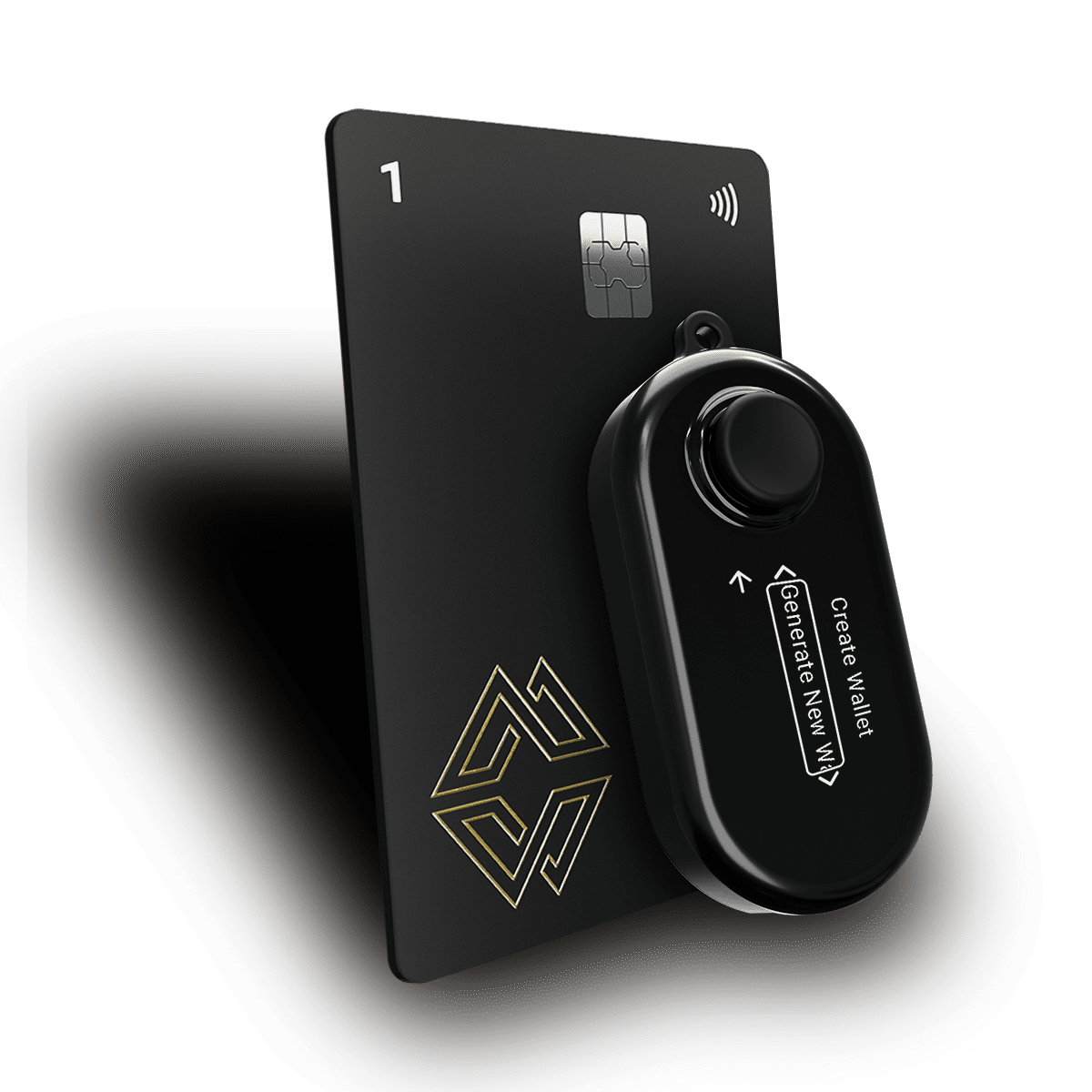
For safety and security, especially if you're storing more crypto, Cypherock X1 is clearly the better choice.
Edge Wallet is excellent for beginners or anyone who needs quick, convenient access to a broad range of crypto assets. The account-based login is a genuine UX innovation, the 2026 feature set is competitive, and the zero-knowledge architecture reflects serious security thinking. For daily transactions and smaller amounts, it's one of the best options available.
But the 2023 key exposure incident is a matter of record, and the structural risks of hot wallet storage are more visible than ever in 2026. If your crypto represents meaningful value, an amount you'd actually miss then the right move is hardware security. Cypherock X1 is built precisely for that upgrade: no seed phrase, no internet exposure, no single point of failure.
Use Edge for what it's good at. Protect the rest with hardware.
Ready to protect your crypto like a pro?
Check out how Cypherock X1 can help you secure your future - Explore now!.
Connect with us:
Twitter: @CypherockWallet
Telegram: Join the Community