0
$0.00
0 items

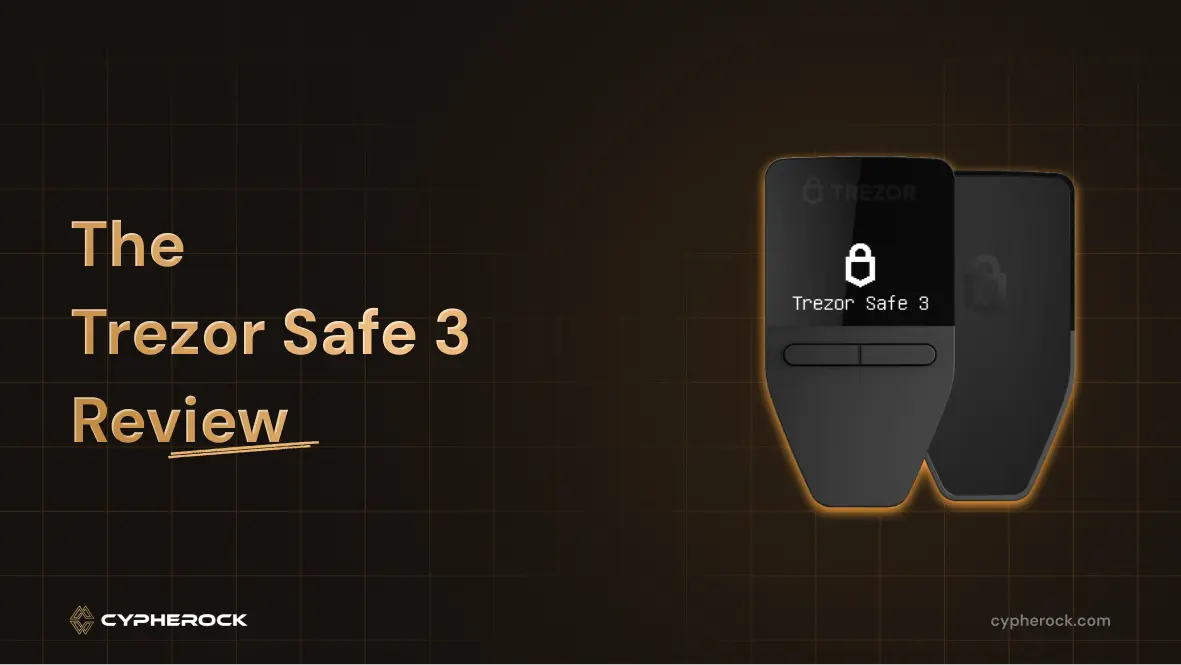
Hardware wallets have become non-negotiable for serious crypto holders and Trezor remains one of the most trusted names in the space. The Trezor Safe 3, launched in late 2023, sits at the mid-tier of Trezor's current lineup and has held up well as a reliable option. But in 2026, with newer alternatives available, is it still worth buying?
This review covers everything you need to know: specs, security, pricing, and how it compares to the Trezor Safe 5 and other alternatives.
Before diving into the Safe 3, it’s important to understand the company behind it.
Trezor was founded in 2013 by SatoshiLabs, a Prague-based team that launched the first-ever hardware wallet, the Trezor Model One, in 2014. Since then, it has released several popular models, including:
Over the years, Trezor has earned trust from hundreds of thousands of users and crypto security experts. It has maintained a commitment to open-source software, meaning anyone can audit the code to verify its security.
The Safe 3 is Trezor's entry-level secure element wallet, sitting between the legacy Trezor One and the premium Trezor Safe 5. Its defining upgrade over older Trezor models is the inclusion of a dedicated EAL6+ certified Secure Element chip — the same class of security hardware used in passports and SIM cards.
Price: $79 ⚠️ Verify current price at trezor.io before publishing
It is available in five colors: Cosmic Black, Stellar Silver, Solar Gold, Galactic Rose, and a limited-edition Bitcoin Orange.
Design highlights:
The Safe 3 is beginner-friendly, making it easy to set up and manage your assets through Trezor Suite, the company’s desktop and browser-based management tool.
While the Secure Element strengthens Trezor’s defense against physical attacks, Cypherock’s approach avoids storing a seed phrase in a single place entirely, which eliminates that attack vector altogether.
| Feature | Trezor Safe 3 |
|---|---|
| Price | $79 |
| Secure Element | EAL6+ certified |
| Display | Monochromatic OLED |
| Touchscreen | No (two physical buttons) |
| Connectivity | USB-C |
| Supported Assets | 8,000+ coins and tokens |
| Bluetooth | No |
| Open-Source Firmware | Yes |
| Shamir Backup | Yes |
| Mobile Support | iOS and Android via Trezor Suite Mobile |
The biggest upgrade in the Safe 3 is the EAL6+ certified Secure Element chip. This is a specialized hardware component that:
Earlier Trezor models lacked this chip, making them more vulnerable to highly sophisticated physical attacks if an attacker had direct access to your device.
Cypherock Comparison:
While Trezor protects the seed with encryption inside a single device, Cypherock never stores the whole seed in one device. Instead, it splits it into encrypted shares across four different cards and one main device, requiring a combination to recover your wallet. This drastically reduces the risk of losing funds if one device is stolen.
For Bitcoin purists, Trezor offers a Bitcoin-only Safe 3. It’s limited to 2,013 units and comes in a bright Bitcoin-orange color.
CoinJoin is a privacy feature for Bitcoin transactions. It works by mixing your transactions with others, making it harder for outsiders to track where your coins came from or went.
Using CoinJoin with the Safe 3:
Shamir Backup lets you split your recovery phrase into multiple unique shares. You can set a threshold for how many are required to restore the wallet.
Example: In a 2-of-3 scheme:
Cypherock Comparison:
Cypherock builds this multi-share resilience into its design by default. There’s no need to write down a seed phrase at all (you can if you wish to but it's not a necessity), the system automatically distributes and encrypts key shares across multiple devices.
The Trezor Safe 3 supports:
It works with:
Not supported:
| Feature | Safe 3 | Safe 5 |
|---|---|---|
| Price | $79 | $169 |
| Secure Element | EAL6+ | EAL6+ |
| Display | Monochromatic OLED | Color touchscreen |
| Input | Two physical buttons | Haptic touchscreen |
| Build | Plastic | Premium casing |
| Shamir Backup | Yes | Yes |
| Bluetooth | No | No |
Bottom line: The Safe 5's main advantages are the color touchscreen and premium build quality. The security architecture- Secure Element, open-source firmware, Shamir Backup is identical. If you are comfortable with button navigation and don't need a touchscreen, the Safe 3 delivers the same core security at less than half the price.
Pros:
Cons:
Setup:
Sending funds:
The Trezor Safe 3 remains one of the best-value hardware wallets available in 2026. At $79 it delivers a certified Secure Element, fully open-source firmware, Shamir Backup, and support for 8,000+ assets. For most crypto holders, it is more than sufficient.
If you hold a substantial portfolio and want to eliminate the risk of a single device or seed phrase compromise entirely, pair or replace it with Cypherock X1, which distributes key shares across multiple devices by design and removes the need for a seed phrase backup altogether.
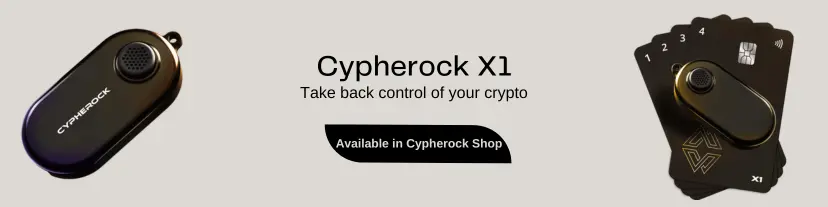
Start securing your crypto journey today—visit Cypherock X1 to learn more.
Connect with us:
Twitter: @CypherockWallet
Telegram: Join the Community