0
$0.00
0 items

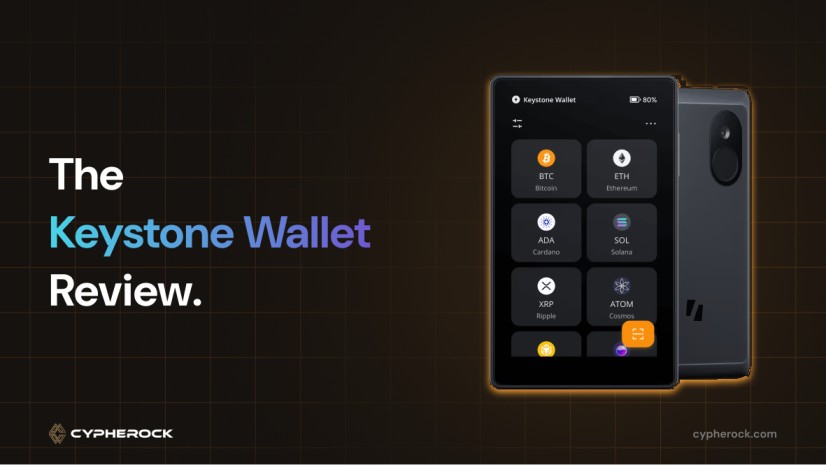
When you own cryptocurrency, you also own a digital identity. Your crypto wallet isn’t just a tool for moving coins around, it’s the gateway to your assets, DeFi projects, NFTs, and everything you do in Web3. In 2025, the risks of hacks and phishing scams are everywhere. That’s why using a hardware wallet is one of the smartest steps you can take to protect your crypto.
The Keystone 3 Pro is a hardware wallet that wants to make security and usability easy for everyone. It has a big touchscreen and a lot of advanced features. But is it really the wallet you should trust with your assets? Is there a better option out there?
As you’ll see in this review, we’ll break down everything about the Keystone 3 Pro, and we’ll also show you how alternatives like Cypherock X1 can give you even greater peace of mind, especially if you want to secure more than just Ethereum or Bitcoin.
There are two main types of crypto wallets: hot wallets and cold wallets.
Hot wallets are connected to the internet. They’re great for speed, but they can be hacked if your device gets a virus or someone steals your login info.
Cold wallets, like hardware wallets, are physical devices that store your crypto keys offline. This means even if your computer gets hacked, your coins are still safe. Hardware wallets look like small USB drives or even mini smartphones. You set them up, write down a backup phrase (usually 12 or 24 words), and use them whenever you want to send or receive crypto.
The whole idea is simple: If your private keys aren’t on a device connected to the web, hackers can’t get them. That’s why so many people use hardware wallets to store their savings.
Keystone is a hardware wallet company with a history going back to 2018, starting as Cobo Vault. It was founded in Asia-Pacific by leaders who focused on military-grade security and tough build quality. Over time, they shifted to the name Keystone, added new features, and stuck to one mission: giving you real security for your crypto.
One thing that sets Keystone apart is how open they are about their technology. They have open-source firmware, share their code for others to check, and even publish security audits. Early on, they were among the first to offer QR code signing, making it possible to sign transactions with your wallet using a camera, instead of plugging in a USB cable or turning on Bluetooth.
When you open a Keystone 3 Pro box, you get a slick unboxing experience. The wallet comes in a black box with the following items inside:
The wallet feels solid and looks modern, with a big screen that’s easy to read. You can even buy the Keystone Tablet, a stainless-steel plate to store your seed phrase safely, great if you worry about fire or water damage.
One downside? Everything is in one box. If you lose it or it’s stolen, you could be at risk, especially if your seed phrase is nearby.
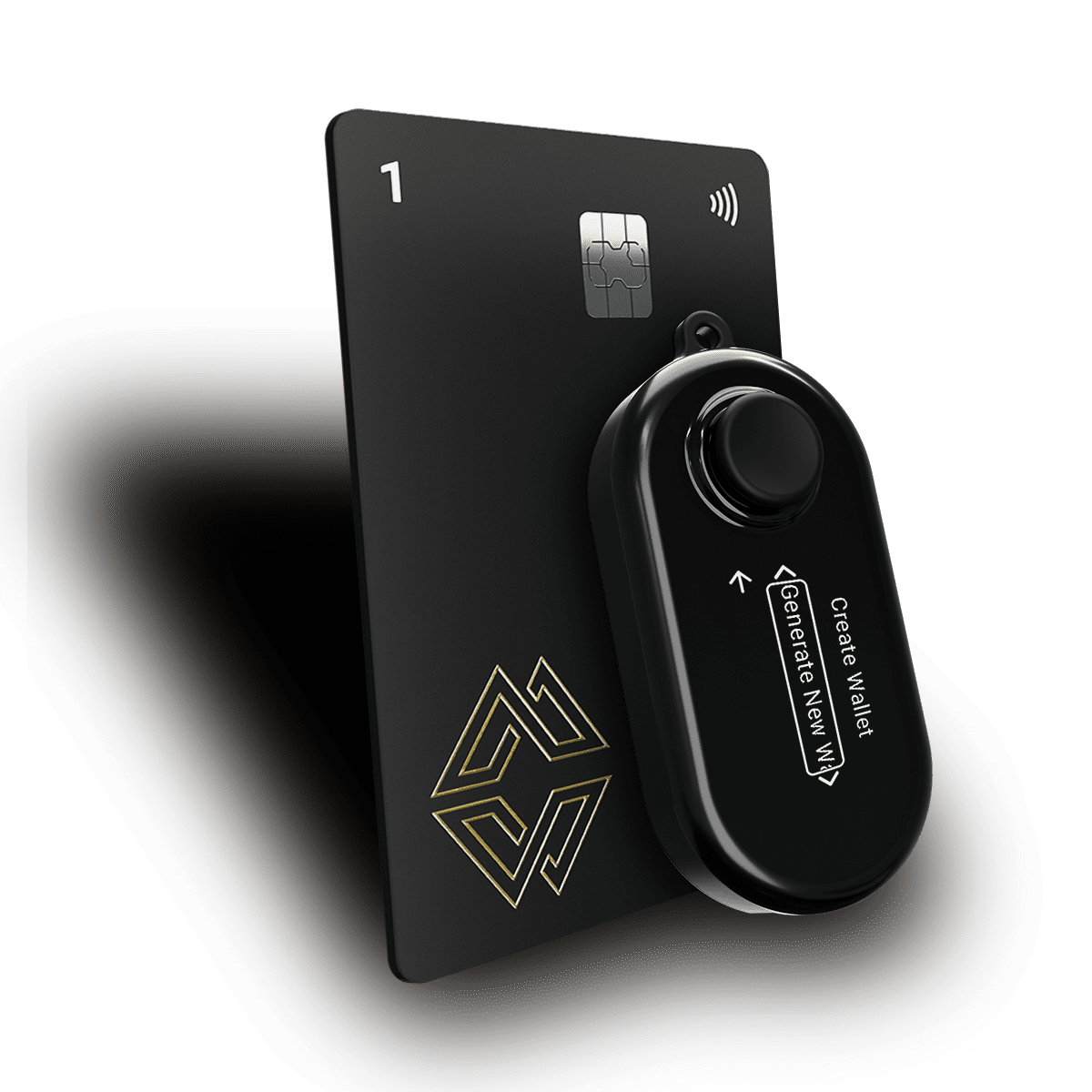
This is where Cypherock X1 stands out. With Cypherock, your private key is split across the X1 Vault and four X1 Cards using Shamir Secret Sharing. You can store these in different locations. No single device holds enough to access your funds independently, so even physical theft or disaster cannot leave you empty-handed.
One of the coolest things about the Keystone 3 Pro is how it works with MetaMask, the popular browser wallet for Web3. Keystone uses QR codes for everything. When you want to send funds or sign a transaction on MetaMask, you just scan a QR code with your Keystone wallet. There’s no need for USB, Bluetooth, or WiFi.
Why does this matter? Hackers can’t steal your keys through a cable or a wireless connection because there isn’t one. Your Keystone stays totally “air-gapped.” This is one of the safest ways to use a hardware wallet, especially for DeFi and NFT projects on Ethereum or other EVM-compatible chains.
Keystone is also open-source. Anyone can check their QR code standards and see how transactions are signed. That’s important if you care about security and privacy.
If you like to hold a mix of coins and tokens, Keystone 3 Pro has you covered. It supports over 5,500 coins and tokens from more than 200 different blockchains. That means you can manage everything from Bitcoin and Ethereum to smaller altcoins and NFTs.
But here’s the catch: Keystone doesn’t have its own built-in app for all these coins. You need to use different third-party wallets (like MetaMask or others) to handle various assets. This can be a bit confusing for beginners. If you want to stake coins, you’ll have to do it through those apps, Keystone doesn’t have built-in staking for most coins.
Security is the heart of the Keystone 3 Pro. Here’s what makes it stand out:
But there are still risks: If your backup phrase is in one spot, a thief or disaster can still wipe out your savings.
This is where Cypherock X1 takes a different approach. Rather than requiring you to store a seed phrase, Cypherock distributes your private key across the X1 Vault and four X1 Cards. No single device or card holds enough to access your funds. Even if someone obtains one component, they cannot access your crypto. Cypherock is open-source, audited by Keylabs, the firm that has found vulnerabilities in both Ledger and Trezor and all findings are publicly documented.
Setting up Keystone 3 Pro is pretty straightforward:
So, what’s it like using the Keystone 3 Pro every day?
Cypherock X1 makes backups even safer. Because your keys are split, you never have to worry about losing everything if you misplace a single card. It’s a safer, smarter system, especially for people who tend to lose things or want to protect their family’s savings.
If you are also evaluating the Trezor Safe 5, we have a dedicated comparison covering that matchup in full. You can find it here
| Keystone 3 Pro | Cypherock X1 Standard | |
|---|---|---|
| Price | $169 | $179 |
| Security Model | Air-gapped QR, triple secure elements | Distributed key across 1 vault and 4 cards |
| Seed Phrase Backup Required | Yes | Optional |
| Secure Element | Triple (ATECC608B, DS28S60, MAX32520) | EAL6+ JavaCards |
| Connectivity | QR code only, fully air-gapped | NFC cards |
| Open-Source Firmware | Yes | Wallet software yes, card system no |
| Supported Assets | 5,500+ | 19,000+ |
| Independent Audit | Yes | Yes, by Keylabs |
| Fingerprint Unlock | Yes | No |
| Inheritance Support | No | Yes (Gold Plan) |
Keystone 3 Pro's air-gapped QR signing is its strongest differentiator. Every transaction is signed through a QR code scan with zero internet connectivity, eliminating remote attack vectors entirely. The triple Secure Element architecture adds hardware-level depth that most single-element wallets cannot match. For active DeFi and Web3 users on EVM chains, it is one of the most capable wallets available.
Cypherock X1 Standard addresses a different risk. By distributing your private key across five devices, it removes the single-point-of-failure vulnerability that all single-device wallets carry, including Keystone. You are not required to write down or store a seed phrase anywhere and recovery is possible through the vault and cards alone. It also supports 19,000+ tokens natively versus Keystone's 5,500+, and includes inheritance planning through the Gold Plan, a feature Keystone does not offer.
At $169 vs $179, the price difference is negligible. The right choice comes down to your primary threat model: if remote attacks and DeFi security are your main concern, Keystone's air-gapped system is excellent. If physical theft, loss, or disaster resilience matters more, Cypherock's distributed architecture is structurally stronger.
Keystone 3 Pro is a great choice if you:
But it might not be right for you if you:
Yes. Keystone 3 Pro signs all transactions via QR code with no USB, Bluetooth, or WiFi connection required at any point. This makes it one of the most comprehensively air-gapped hardware wallets available.
Keystone 3 Pro supports 5,500+ coins and tokens across 200+ blockchains. Note that many assets require third-party wallet apps like MetaMask for management rather than a single native app.
Yes. Keystone's firmware and hardware designs are publicly available on GitHub and can be independently audited by anyone.
The Keystone 3 Pro is priced at $169. For context, the Cypherock X1 Standard is $179 and the Cypherock X1 Basic, which includes the same core security architecture, is $99.
No. If inheritance planning is important to you, Cypherock X1 Pro includes the Gold Plan which enables structured crypto inheritance.
Yes, by Keylabs, the security firm known for discovering vulnerabilities in Ledger and Trezor products. All findings and fixes are publicly documented at cypherock.com/keylabs.
The Keystone 3 Pro is a serious hardware wallet. It’s secure, easy to use, and packed with cool features, like QR code signing and a big touchscreen. If you’re all about DeFi, and MetaMask, you’ll probably love it.
But think carefully about what you need. If you want all-in-one coin management, disaster-proof backups, and the option to plan for the future (like inheritance for your family), you may want to look at Cypherock X1. Cypherock’s unique approach to decentralized backup, open-source software, and multi-coin support makes it one of the safest, smartest wallets you can buy in 2026.
Pick the wallet that fits your lifestyle, risk tolerance, and future plans. For many, Cypherock X1 offers the next level of crypto security, beyond anything you’ve seen from standard hardware wallets.
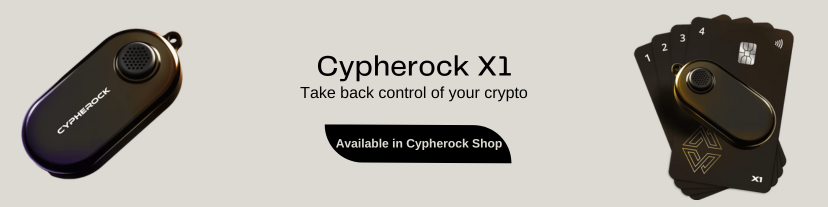
Start securing your crypto journey today— visit Cypherock X1 to learn more.
Connect with us:
Twitter: @CypherockWallet
Telegram: Join the Community